ENGW-201 retest — Admin Authentication Flow (FE)
5 October 2026 · admin-sandbox.mypasspoint.com ·
API passpoint-user-app-new.onrender.com/userapp/admin-app/ ·
All 5 pass. Supersedes the 29 September run.
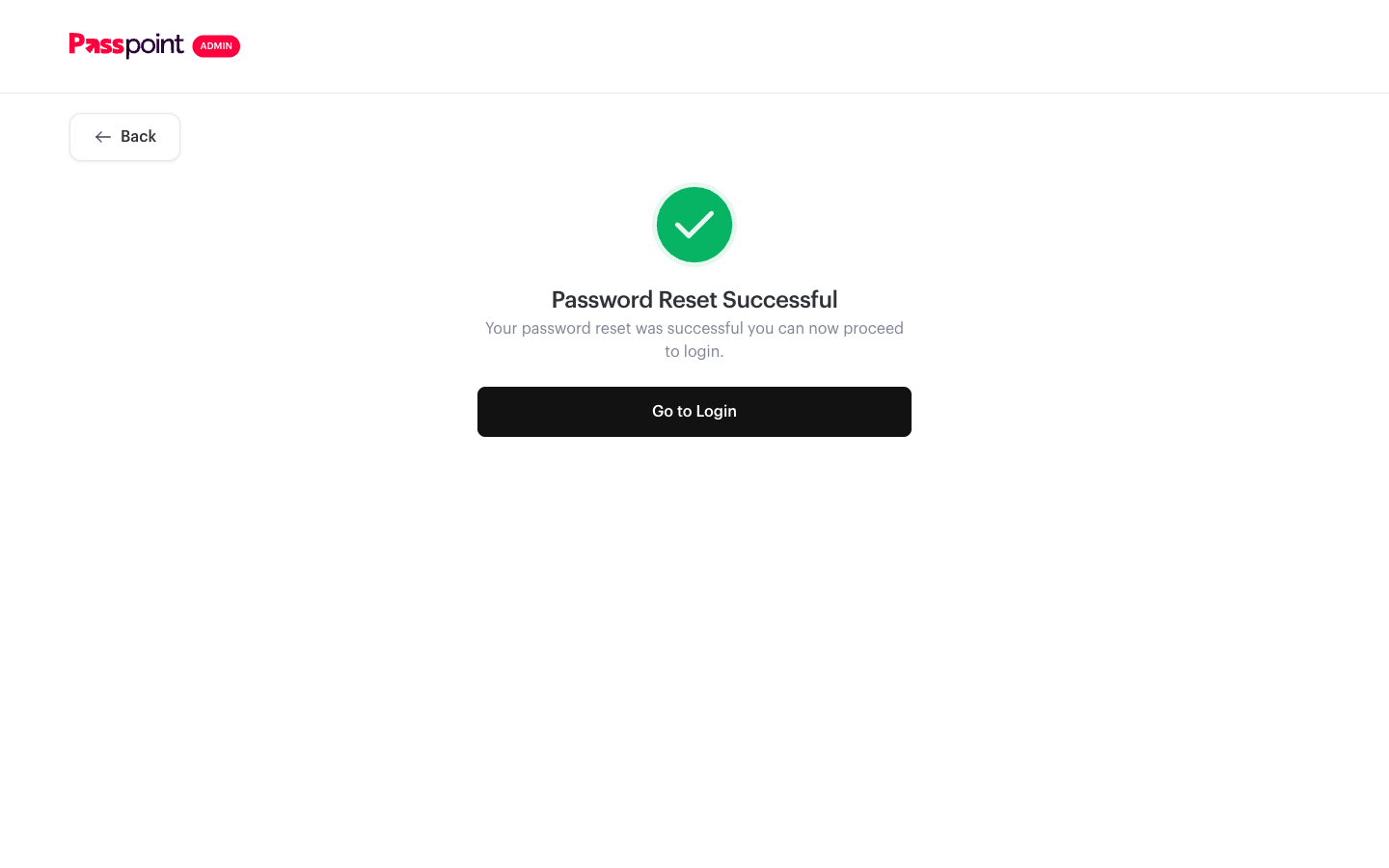
AC1 — Reset completes end to end PASS
Requested a reset, used the OTP from the mailbox, set a new password and signed back in.
The account had actually expired beforehand — login returned
password has expired. please reset your password to continue — so this
was a real reset rather than a rehearsal.
| Step | Response |
|---|
PUT init-reset-password | 00, otp sent, reference issued |
PUT reset-password | 00, password reset successful |
POST login | 200, login successful |
AC2 — Resend OTP PASS
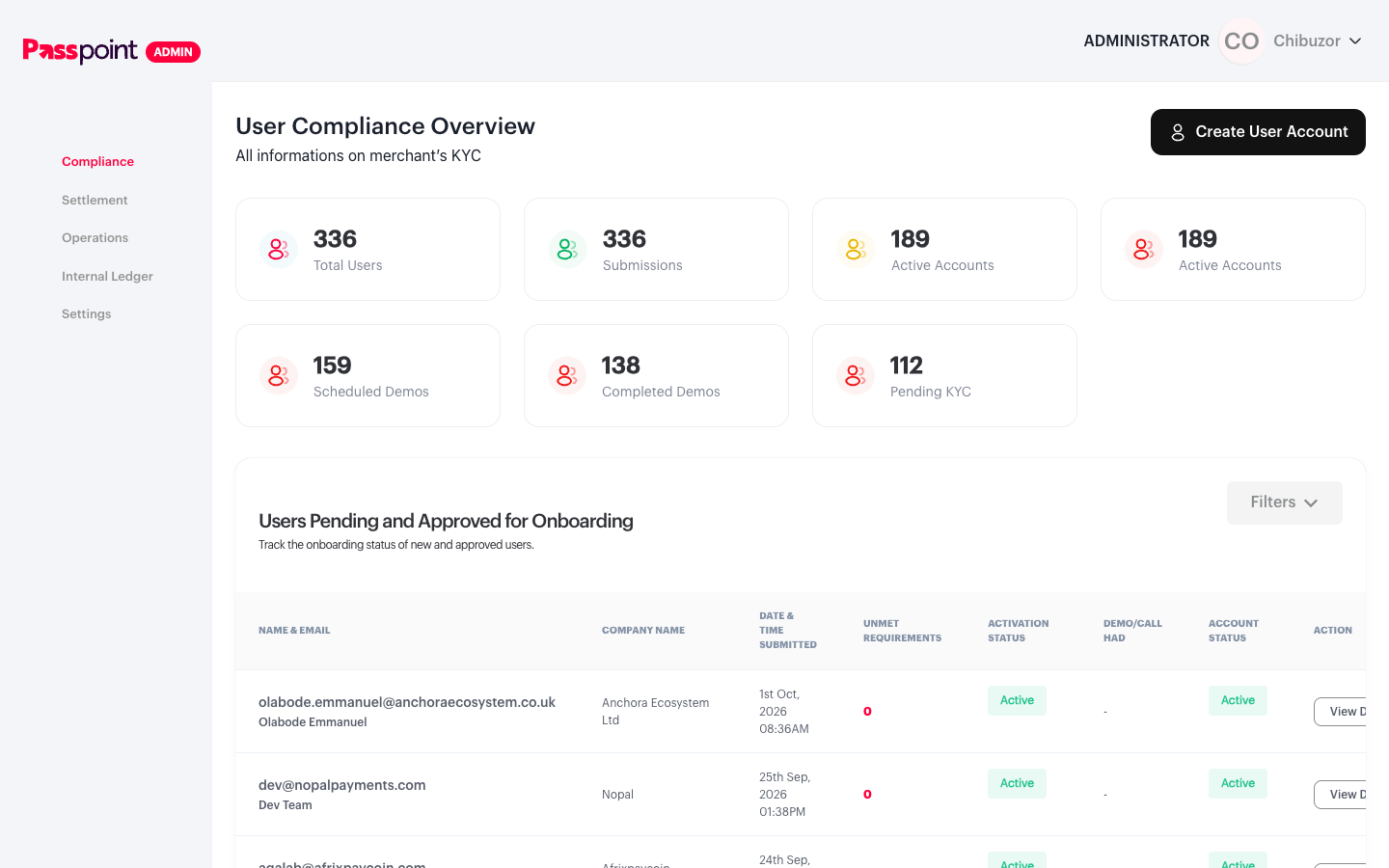
Resend fires and returns otp resent to c****r@mypasspoint.com. The preflight
returns 200 with access-control-allow-origin: *. The 29 Sep CORS failure did not
reproduce, which matches Josh's read that it was a one-off during a deployment.
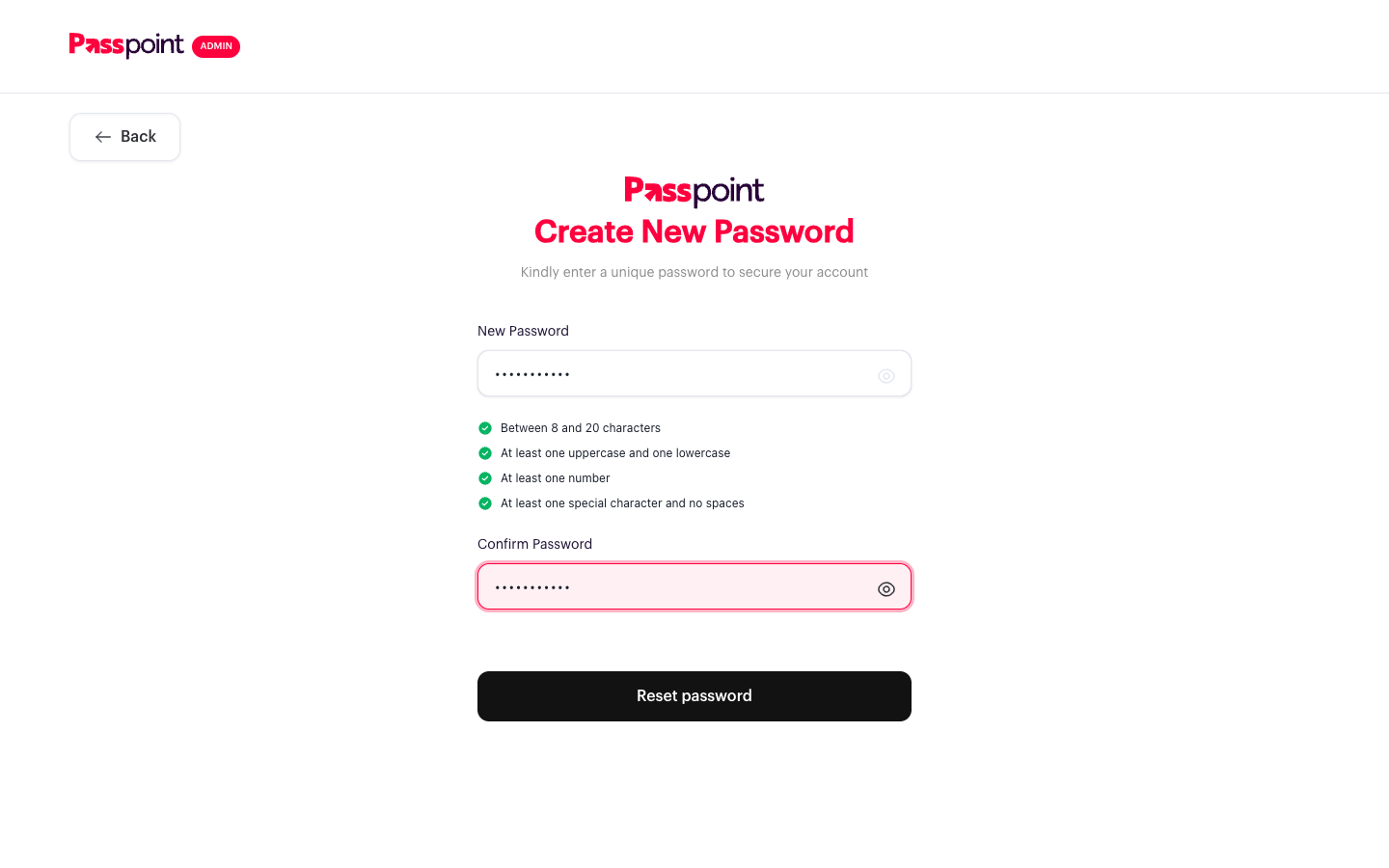
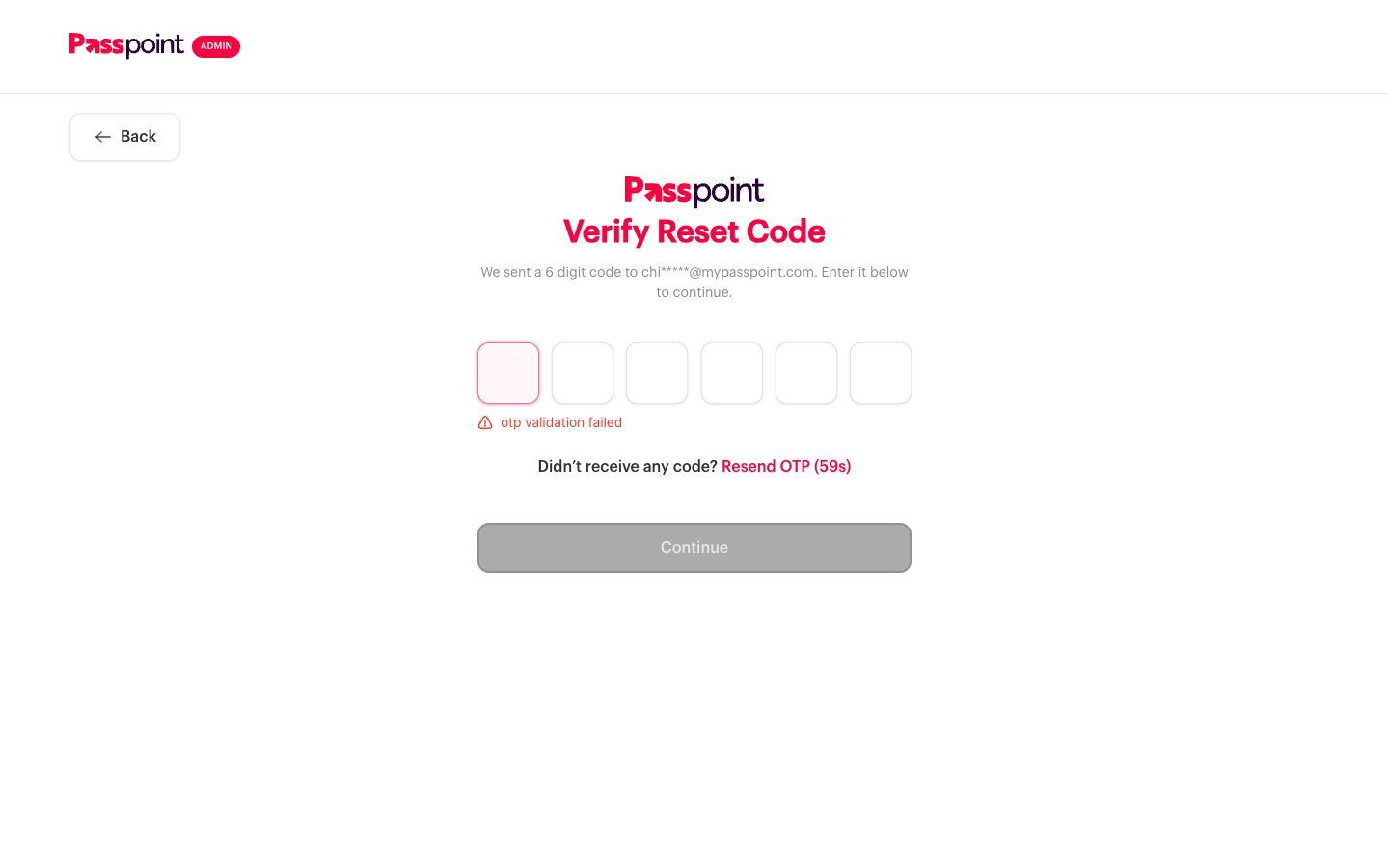
AC3 — Wrong OTP error on the password step PASS
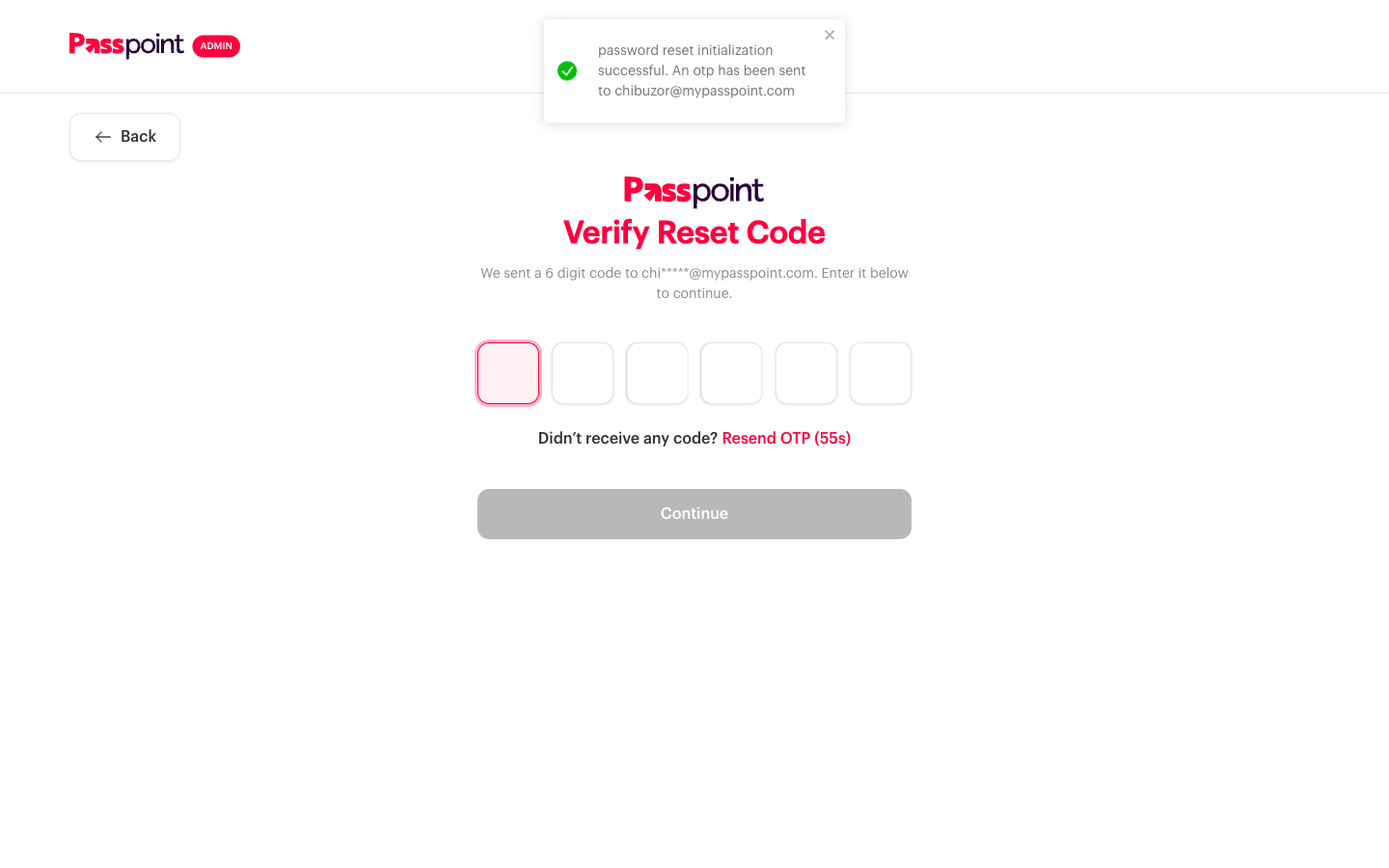
Entered 111111, a code that was never issued. The verify step accepts it and moves
on to Create New Password — no call is made there, so nothing can be checked yet.
On submitting the new password, PUT reset-password returns 400
otp validation failed and the app returns the user to Verify Reset Code with the OTP
boxes cleared and the error inline beneath them. Measured by sampling the screen every 400ms:
the password step is still showing at 400ms, and by 800ms the user is back on the verify step
with the error visible.
Per the AC as reworded on 5 Oct this passes. In practice the behaviour is slightly better than
the AC describes: rather than showing the error on the password step and leaving the user there,
the app puts them back on the step where the mistake can actually be fixed.
One nit for whoever updates the wording: the error surfaces on the verify step, not the
password step, because the app navigates back before rendering it.
AC4 — Password policy and confirm PASS
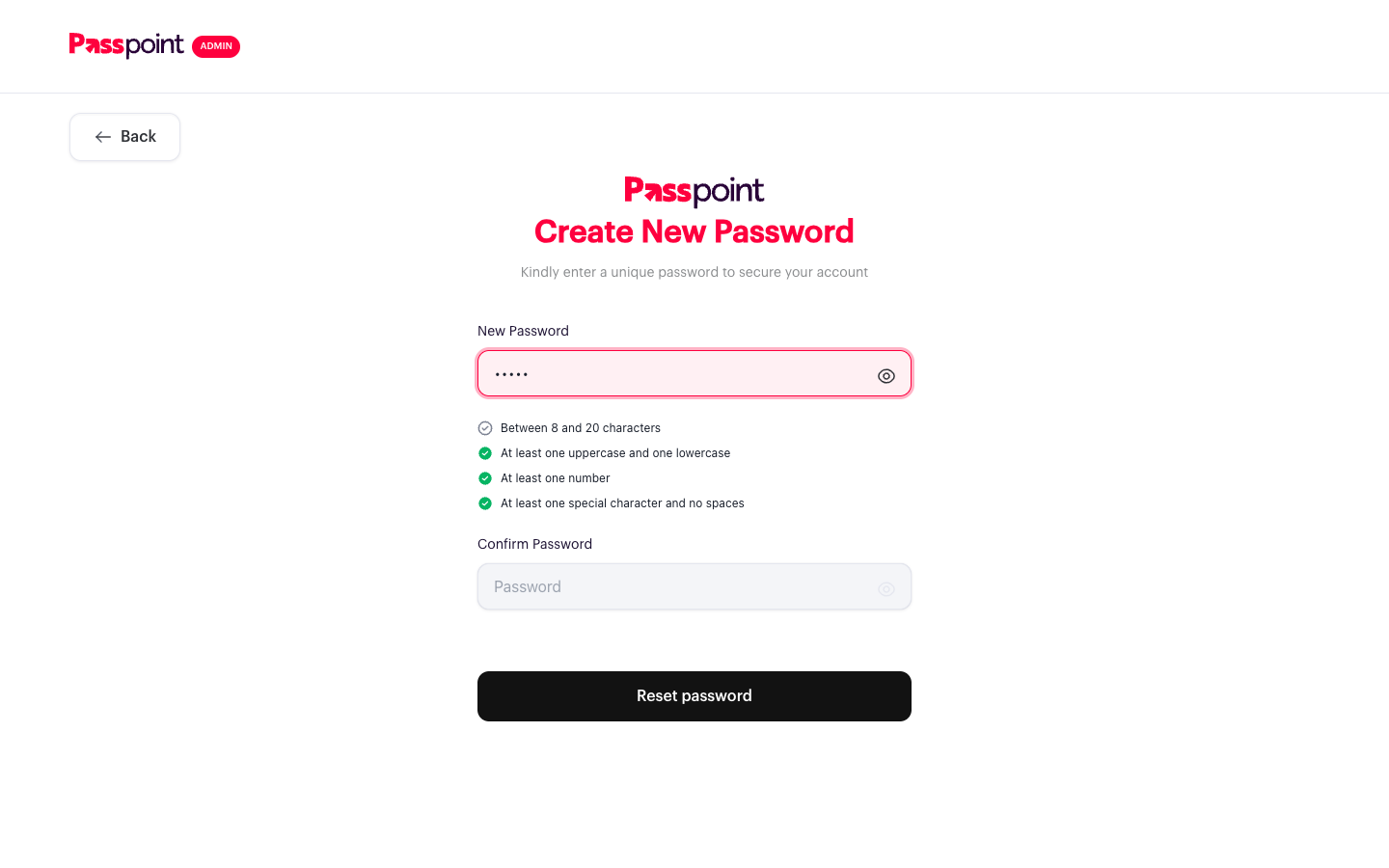
Stronger than the AC asks for: Confirm Password is disabled until the new password satisfies
every rule, so a non-compliant password never reaches the confirm step.
| Password | Confirm field |
|---|
| (empty) | disabled |
Ab1!x — too short | disabled |
abcdefg1! — no uppercase | disabled |
Abcdefgh! — no number | disabled |
Abcdefg1 — no special | disabled |
Abcd efg1! — contains a space | disabled |
| valid | enabled, all four ticks green |
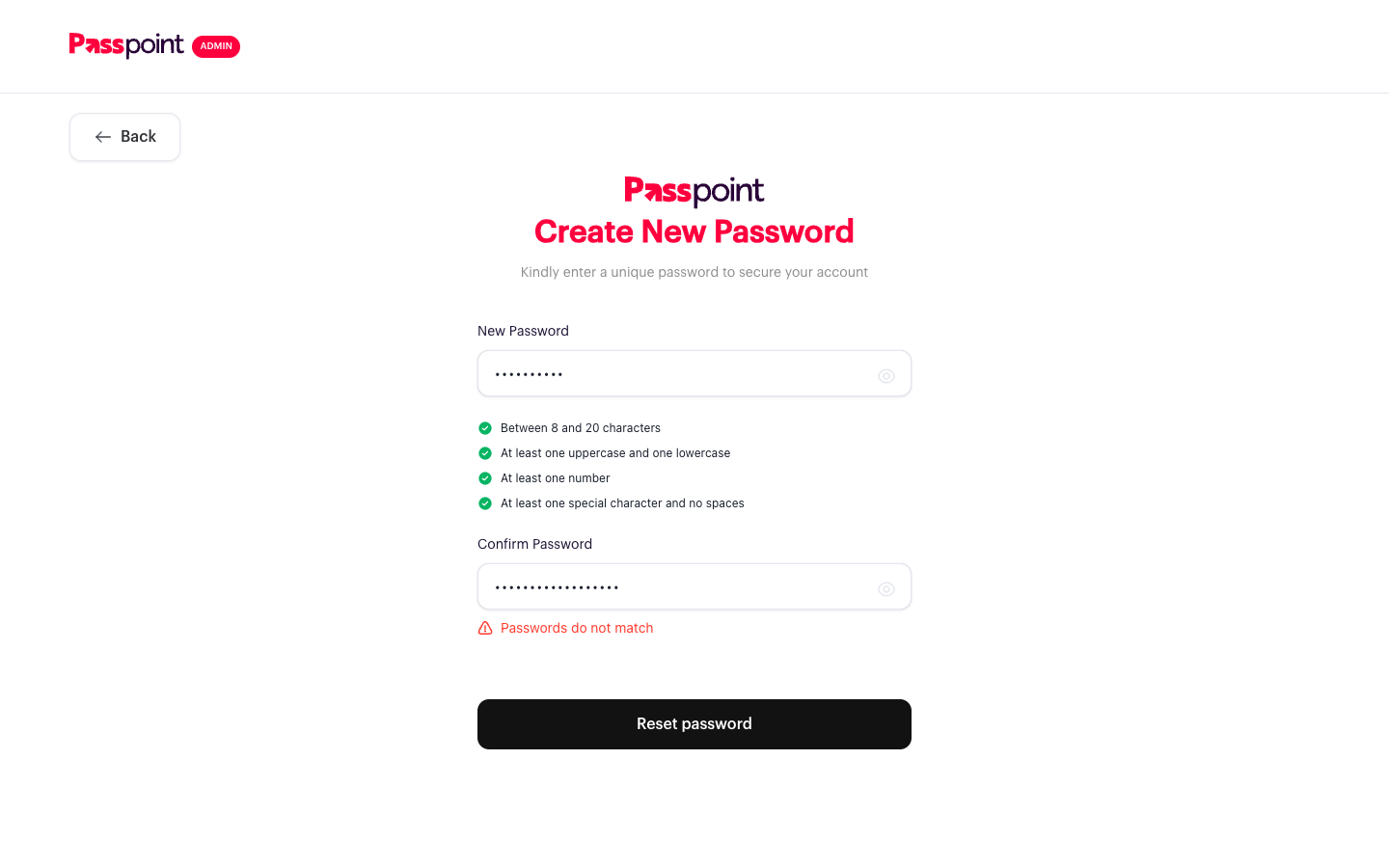
Over-length is capped on input: typing 22 characters leaves 20. A mismatched confirm shows
"Passwords do not match" and fires no request at all, confirmed on the request log rather than
the screen.
AC5 — Service contract PASS
Every auth call goes to passpoint-user-app-new.onrender.com/userapp/admin-app/
with the same payload shape as the merchant app.
Two notes for the client: init-reset-password and reset-password are
PUT, and a POST returns "Request method 'POST' is not supported". resend-otp expects
reference, not otpReference.
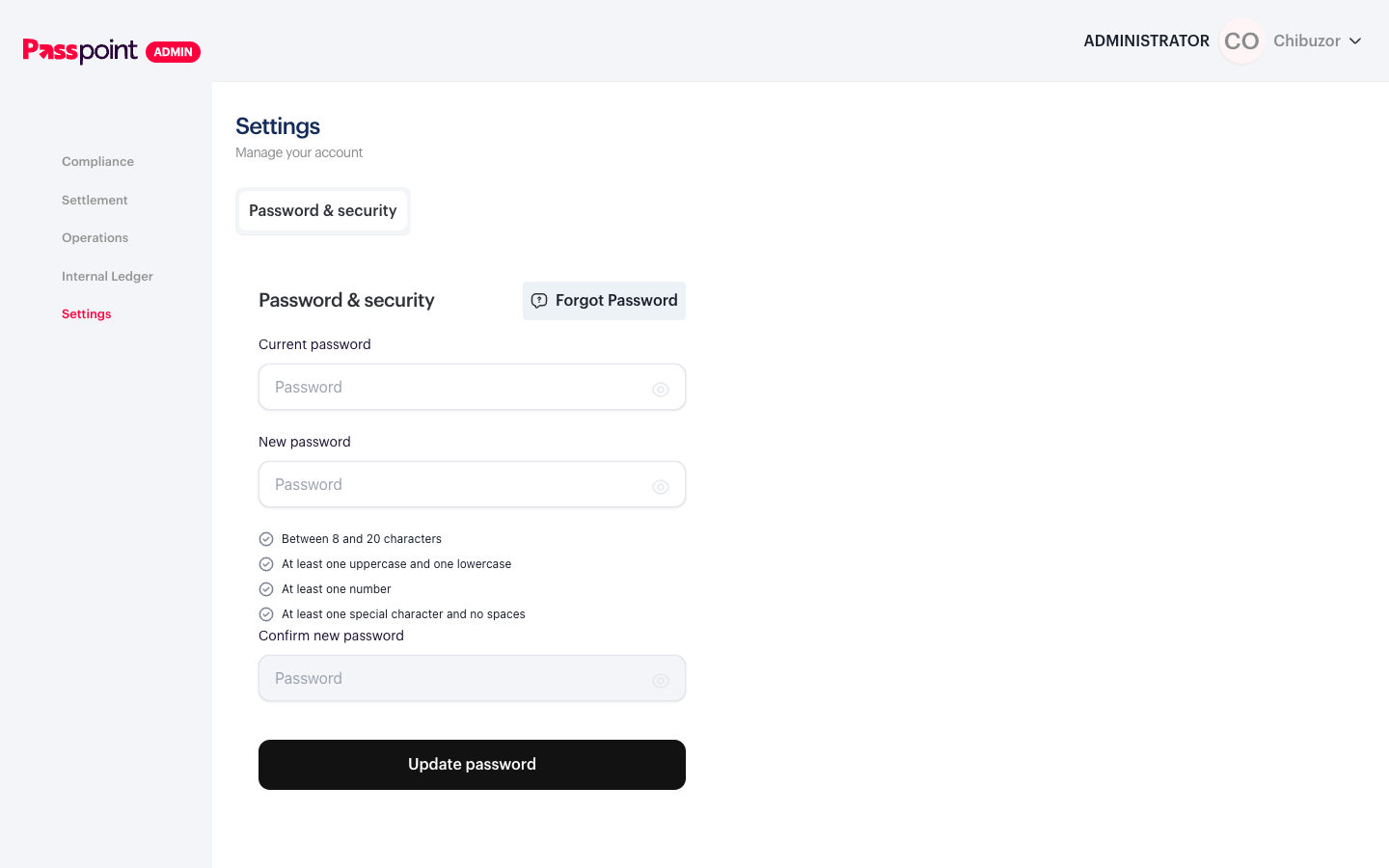
ENGW-214 AC4 — Administrator without manage_admin PASS
Picked up while logged in, so recording it here. The account is ADMINISTRATOR and does not
carry manage_admin, which is exactly the AC4 scenario. No Admins tab renders, and
/settings/admin redirects to Password & security.
ENGW-214 AC6 and most of ENGW-216 need a Super Admin, which this account is not.